A video receptionist for offices and co-working spaces
Many offices have nobody at reception for long stretches, and a visitor stands at an empty desk wondering whom to call. She greets them, checks them in, tells the person they came to meet that they have arrived and gives directions to the meeting room. Delivery staff are told where to leave the parcel.
Read the conversation
VisitorHi, I'm Arjun. I'm here to meet Priya from Accounts at 3 PM.
IngridWelcome, Arjun! You're checked in for your meeting, and I'm letting Priya know you've arrived.
Staff system: Priya saw the alert and is on her way.
IngridPriya has been notified and will be here in about two minutes. Please feel free to have a seat.
What she does at your front desk
- Checks visitors in: their name, mobile, company and whom they are here to see.
- Emails your team the moment a visitor checks in, with whom they came to meet.
- Gives directions to meeting rooms, floors, the cafeteria and washrooms.
- Tells the delivery person where to leave a parcel and lets your team know it has come.
- Answers co-working questions on day passes, cabins and meeting room hire from your information.
- Takes tour requests from people looking for a seat or a cabin, for your team to confirm.
Questions your visitors ask her
- I have a meeting with Arjun from accounts at 3. Can you inform him?
- Meeting room Banyan is where?
- Food delivery for Priya, design team. Where do I keep it?
- Do you have a day pass? What does it include?
- Is a cabin for four people free from next month?
- Where can I park my bike?
Where she stands
The same receptionist, with the same knowledge, on whichever screen fits the place.
Counter tablet: Reception desk
Visitors check in even when the receptionist is away or on a call.
Floor kiosk: Co-working entrance
Members' guests and walk-in enquiries are greeted at the door.
Your website: Your co-working website
People looking for a seat can ask about plans and leave a tour request.
What she needs from you
- A list of teams and hosts that visitors usually ask for
- Floor details: meeting rooms, cafeteria, washrooms, parking
- Visitor and delivery rules for your building
- Co-working plans, day passes and meeting room details
Add these in your dashboard and try her yourself before she meets a visitor. If you prefer, our team sets her up with you.
What she will not do
She does not issue access cards, open doors or check ID proof, and she does not let anyone in by herself. She alerts your team, and the visitor waits for them.
How offices & co-working use her
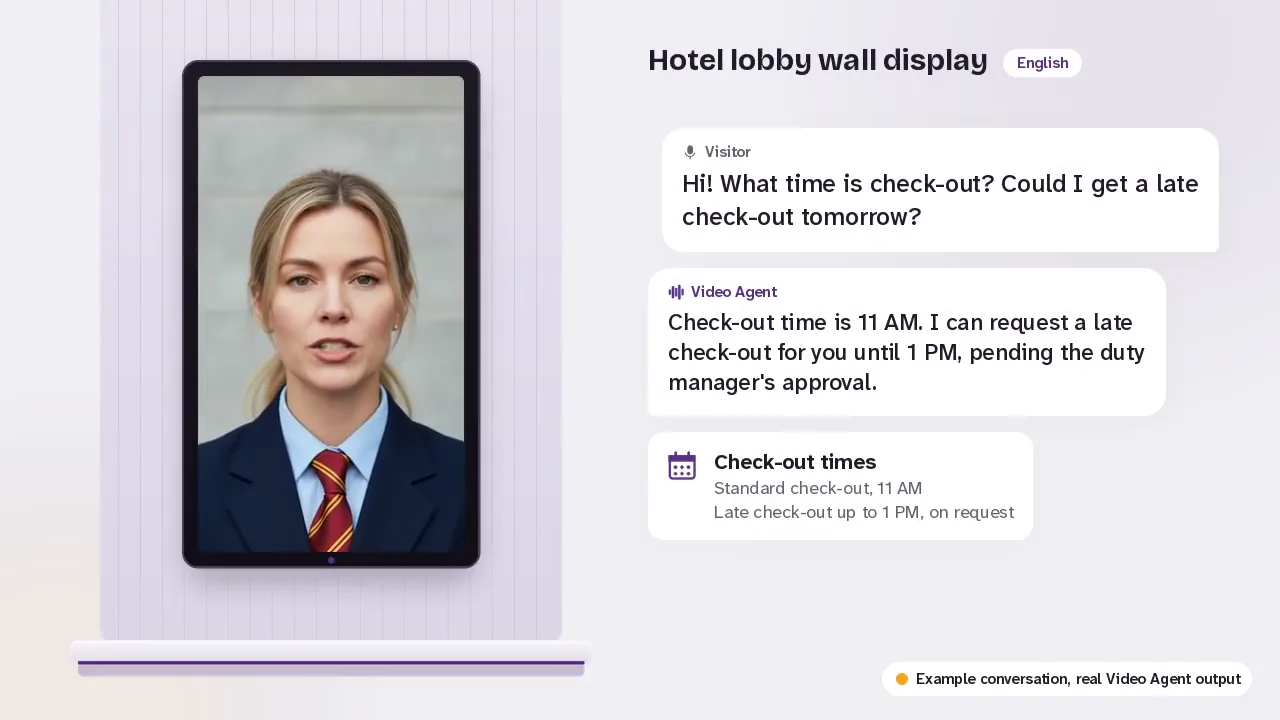
Greet every visitor
A visitor taps to talk and she greets them in their language, then answers or alerts your staff.
See how it works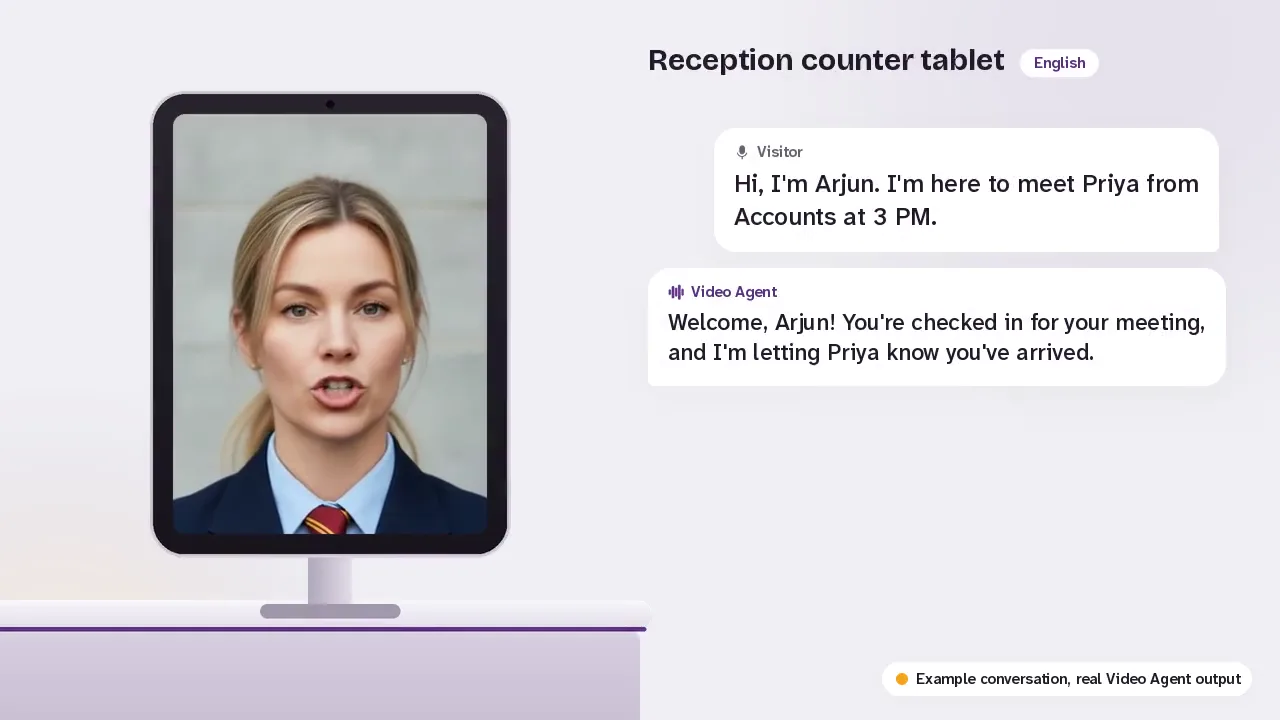
Visitor check-in
Notes who has arrived and whom they came to see, and emails your team straight away.
See how it works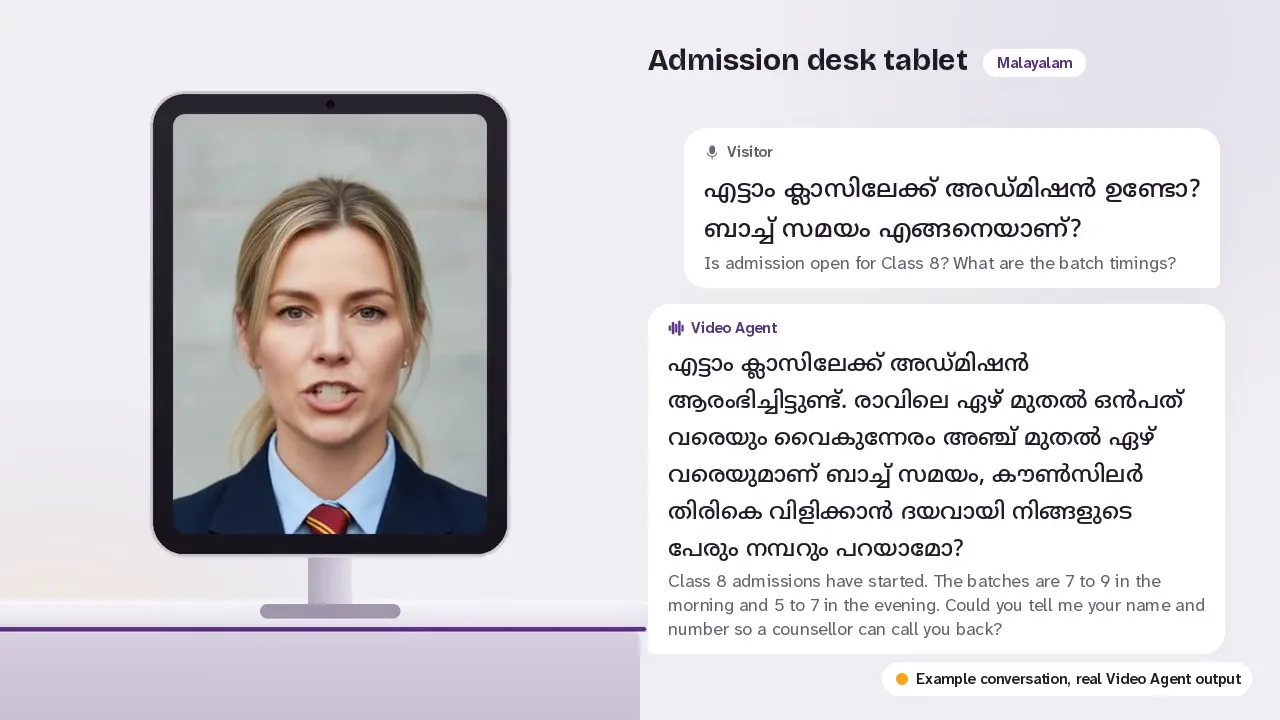
Receptionist on your website
The same receptionist sits on your website and talks to visitors there, day and night.
See how it worksQuestions people ask
How does the host know the visitor has arrived?
When the visitor checks in, she emails your team straight away with the visitor's name and whom they came to meet, and the visit is saved in your dashboard. You choose which email addresses get these alerts.
Does she keep a visitor record?
Each check-in is saved in your dashboard with the visitor's name, mobile, whom they came to see and the time. No photo of the visitor is taken.
Can she replace our security desk?
No. She greets, checks in and guides visitors. ID checks, access cards and building security stay with your people.
See her at your front desk
Tell us where your visitors arrive. We will show you how she would greet them there.
Or write to info@mexilet.com