A receptionist who greets every visitor, on any screen.
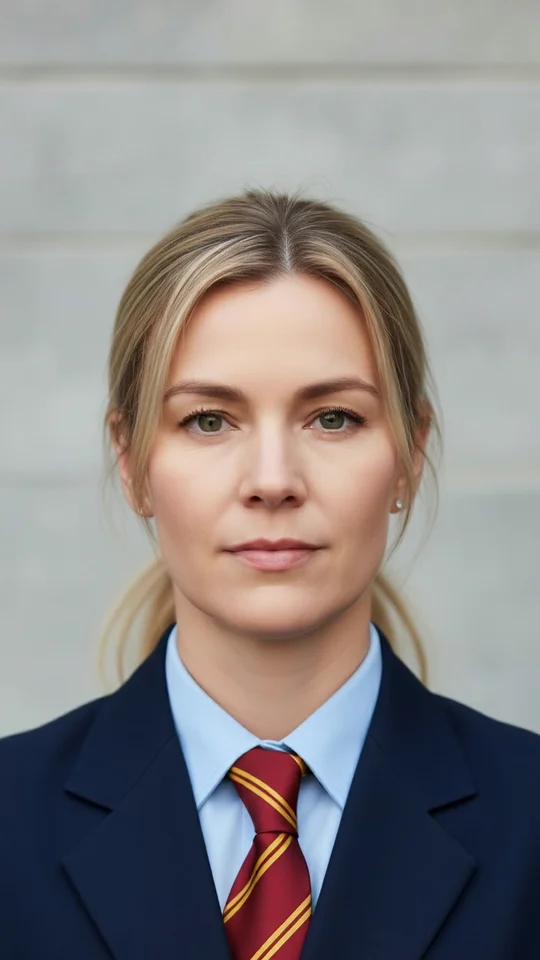
Video Agent by Mexilet puts a talking receptionist on your kiosk, counter tablet, wall TV or website. Visitors speak in their own language. She answers from your information, takes appointment requests and calls your staff when someone wants a person.
Free in India. She uses your microphone only; your camera stays off.
That was ten seconds.
See the full conversation at your own front desk.
வணக்கம்! நான் எப்படி உதவ முடியும்?
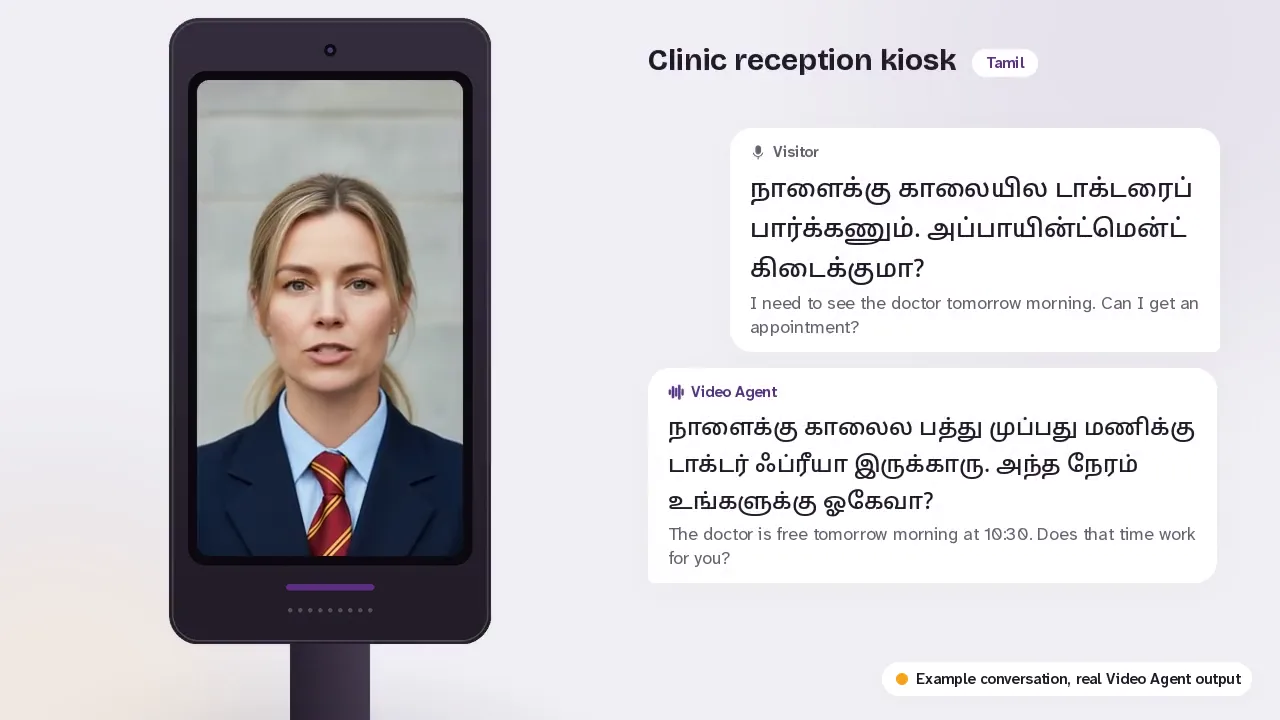
Clinic lobby, floor kiosk
Watch a visit, start to finish
Seven example visits, in five languages. Her face, voice and answers are real Video Agent output; the front desks around her are mock-ups.
Transcript
Visitorநாளைக்கு காலையில டாக்டரைப் பார்க்கணும். அப்பாயின்ட்மென்ட் கிடைக்குமா?I need to see the doctor tomorrow morning. Can I get an appointment?
Ingridநாளைக்கு காலைல பத்து முப்பது மணிக்கு டாக்டர் ஃப்ரீயா இருக்காரு. அந்த நேரம் உங்களுக்கு ஓகேவா?The doctor is free tomorrow morning at 10:30. Does that time work for you?
Visitorசரி, பத்தரை மணி எனக்கு ஓகே.Okay, 10:30 works for me.
Ingridசரிங்க, நாளைக்கு காலை பத்து முப்பது மணிக்கான அப்பாயின்ட்மென்ட் பதிவு செஞ்சுட்டேன். ரிசப்ஷன்ல இருந்து அதை கன்பார்ம் பண்ணிடுவாங்க.Done, I've saved your appointment request for tomorrow at 10:30 AM. The front desk will confirm it.
Transcript
Visitor3 BHK ഫ്ലാറ്റുകൾ ഉണ്ടോ? വില എത്രയാകും?Do you have 3 BHK flats? What is the price?
Ingrid3 BHK ഫ്ലാറ്റുകൾക്ക് 85 ലക്ഷം മുതൽ 1.1 കോടി വരെയാണ് വില. രണ്ട് പ്രൊജക്ടുകളും സ്ക്രീനിൽ കാണാം, ഈ ശനിയാഴ്ച ഒരു സൈറ്റ് വിസിറ്റ് സാധ്യമാണോ?3 BHK flats are priced from ₹85 lakh to ₹1.1 crore. Both projects are on the screen. Could you come for a site visit this Saturday?
Visitorശരി, ശനിയാഴ്ച വന്നു കാണാം.Okay, I'll come and see it on Saturday.
Ingridശനിയാഴ്ച രാവിലെ 11 മണിക്ക് സൈറ്റ് വിസിറ്റ് ബുക്ക് ചെയ്തിട്ടുണ്ട്. സ്ക്രീനിലെ ക്യു.ആർ കോഡ് സ്കാൻ ചെയ്ത് ഫോണിൽ വിവരങ്ങൾ തുടർന്നും കാണാം.Your site visit is booked for Saturday at 11 AM. Scan the QR code on the screen to keep the details on your phone.
Transcript
Visitorमुझे किसी सेल्सपर्सन से बात करनी है।I'd like to talk to a salesperson.
Ingridमैं अभी सेल्स टीम से राहुल को बुला रही हूँ, कृपया थोड़ी देर प्रतीक्षा करें।I'm calling Rahul from the sales team right now. Please wait a moment.
Staff phone: Rahul accepted the call.
Ingridराहुल ने कॉल स्वीकार कर लिया है और वे लगभग एक मिनट में काउंटर पर आ रहे हैं।Rahul has accepted the call and will be at the counter in about a minute.
Transcript
VisitorHi! What time is check-out? Could I get a late check-out tomorrow?
IngridCheck-out time is 11 AM. I can request a late check-out for you until 1 PM, pending the duty manager's approval.
VisitorYes please, room 304. Until 1 PM if possible.
IngridI've sent your late check-out request to the front desk. The duty manager will confirm it shortly.
Transcript
Visitorഎട്ടാം ക്ലാസിലേക്ക് അഡ്മിഷൻ ഉണ്ടോ? ബാച്ച് സമയം എങ്ങനെയാണ്?Is admission open for Class 8? What are the batch timings?
Ingridഎട്ടാം ക്ലാസിലേക്ക് അഡ്മിഷൻ ആരംഭിച്ചിട്ടുണ്ട്. രാവിലെ ഏഴ് മുതൽ ഒൻപത് വരെയും വൈകുന്നേരം അഞ്ച് മുതൽ ഏഴ് വരെയുമാണ് ബാച്ച് സമയം, കൗൺസിലർ തിരികെ വിളിക്കാൻ ദയവായി നിങ്ങളുടെ പേരും നമ്പറും പറയാമോ?Class 8 admissions have started. The batches are 7 to 9 in the morning and 5 to 7 in the evening. Could you tell me your name and number so a counsellor can call you back?
Visitorഎന്റെ പേര് അനിത. മൊബൈൽ നമ്പർ സ്ക്രീനിൽ ടൈപ്പ് ചെയ്തിട്ടുണ്ട്.My name is Anitha. I've typed my mobile number on the screen.
Ingridഅനിത, താങ്കളുടെ അഡ്മിഷൻ വിവരങ്ങൾ ഞങ്ങൾ സേവ് ചെയ്തിട്ടുണ്ട്. ഇന്ന് തന്നെ കൗൺസിലർ തിരികെ വിളിക്കുന്നതാണ്.Anitha, we've saved your admission enquiry. A counsellor will call you back today.
Transcript
Visitorఈ వీకెండ్ SUV టెస్ట్ డ్రైవ్ చేయొచ్చా?Can I take a test drive of an SUV this weekend?
Ingridతప్పకుండా అండి! మన దగ్గర ఉన్న రెండు మోడల్స్ స్క్రీన్ పై చూడవచ్చు, మీరు ఈ శనివారం ఉదయం 11 గంటలకు టెస్ట్ డ్రైవ్ చేయొచ్చా?Certainly! You can see our two models on the screen. Could you come for a test drive this Saturday at 11 AM?
Visitorసరే, శనివారం పదకొండు గంటలకు బుక్ చేయండి.Okay, please book it for Saturday at eleven.
Ingridసరేనండి, మీ టెస్ట్ డ్రైవ్ రిక్వెస్ట్ శనివారం ఉదయం 11 గంటలకు సేవ్ చేయబడింది. మన సేల్స్ టీమ్ కారును సిద్ధంగా ఉంచుతారు.Okay, your test drive request for Saturday at 11 AM is saved. Our sales team will keep the car ready.
Transcript
VisitorHi, I'm Arjun. I'm here to meet Priya from Accounts at 3 PM.
IngridWelcome, Arjun! You're checked in for your meeting, and I'm letting Priya know you've arrived.
Staff system: Priya saw the alert and is on her way.
IngridPriya has been notified and will be here in about two minutes. Please feel free to have a seat.
How a visit goes
Someone walks up
Until then the screen plays a quiet loop of her face, and a quiet loop costs nothing. The visitor taps Talk and she greets them.
She greets them in their language
Malayalam, Tamil, Hindi, English and more. If the visitor switches language halfway, she switches with them.
She answers, shows and takes requests
Answers come from the information you give us: services, timings, prices, projects, directions. She puts cards on the screen and takes appointment or visit requests for your team to confirm.
She hands over when it matters
When a visitor checks in or wants a person, she emails your team at once. Or she shows a QR code so the visitor can carry the conversation on their own phone.
One receptionist, every screen
The same receptionist, with the same knowledge, wherever your visitors meet you.
Floor kiosk
For lobbies and reception areas. A portrait screen with a speaker and microphone at standing height.
Counter tablet
For billing counters, help desks and site offices, on a small stand facing the visitor.
Wall TV
For waiting areas and showroom floors: your TV, plus a microphone and speaker.
The visitor's phone
A QR code on a poster, a standee or a visiting card opens her on the visitor's own phone.
Your website
She sits on your site and talks to visitors there, day and night.
Use your own screen, buy one, or rent one
Bring your own
A recent Android tablet or TV with a browser works. We check it and set her up on it.
Buy from us
A ready kiosk or counter tablet with screen, speaker and microphone, installed at your desk.
Rent from us
A monthly rent with upkeep included. Good for a new site office, an expo stall or an event.
She speaks the way your visitors speak
Tap a language to hear how she greets a visitor in it. She follows the visitor: if someone starts in English and moves to their own language, she moves with them.
Case study: our own
Already talking to home buyers on BookPropertyVisit
BookPropertyVisit, a real-estate service in Kerala and part of the Mexilet group, has a video chat on its home page. Buyers talk to Aiva in Malayalam or English; she searches the listings while they talk, shows the matching homes beside her and books site visits. The same engine runs the Video Agent.
Read the case study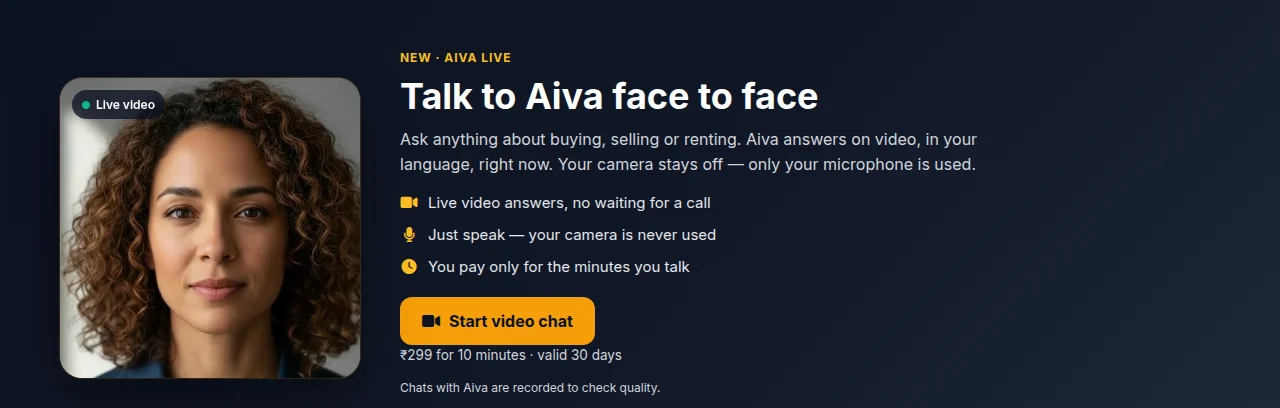
Jobs she takes off your front desk
What she does at your front desk
Answers questions
Services, timings, prices, documents to bring, where to go next. Only from the information you give us.
Takes appointment requests
Appointment and visit requests, saved with the visitor's name and mobile for your team to confirm.
Checks visitors in
Who they are and whom they are here to see, emailed to your team the moment they arrive.
Alerts your staff
When a visitor wants a person, she emails your team straight away instead of leaving them waiting.
Shows, not just tells
Cards for doctors, projects, products or offers appear beside her while she talks about them.
Hands over to the phone
A QR code lets the visitor continue on their own phone after they walk away.
Made for busy front desks
Pick yours to see her at work there, with a real example conversation.
Clinics & hospitals
Answers doctor timing, OP ticket and direction questions at reception, and takes appointment requests for your desk.
See how it works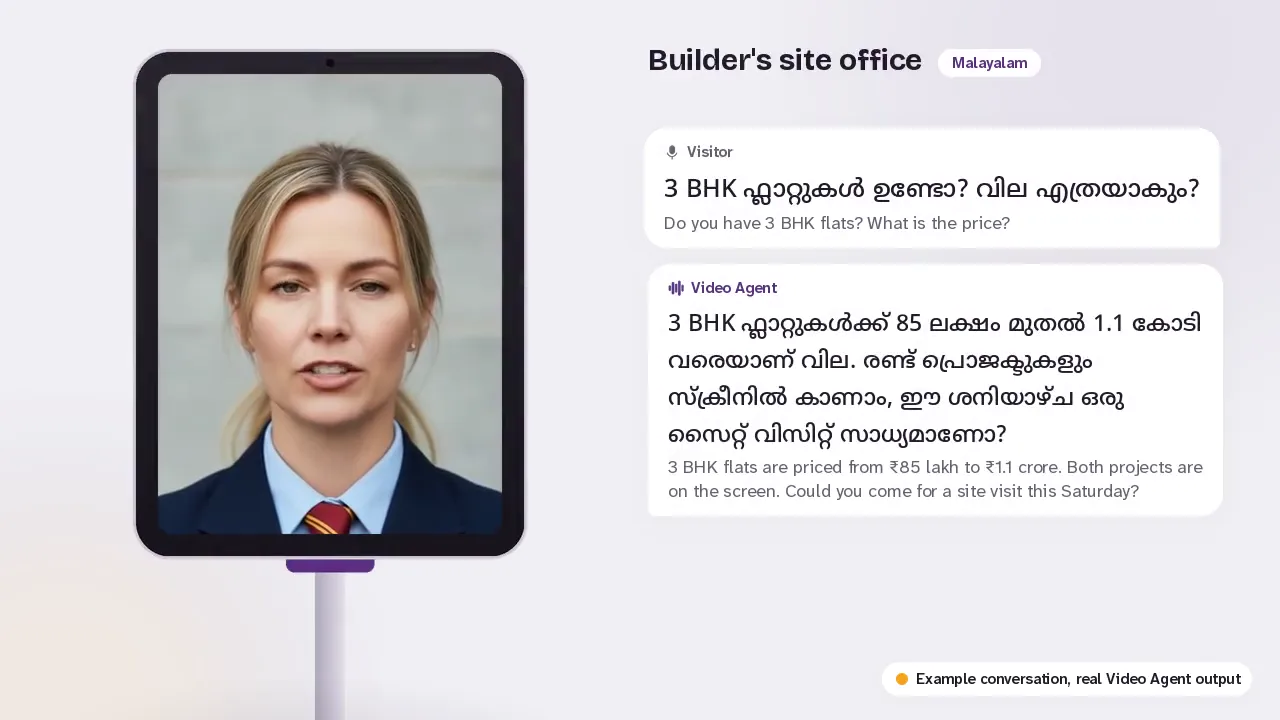
Real estate
Answers project, price and possession questions at site offices, model flats and expos, and takes site visit requests.
See how it works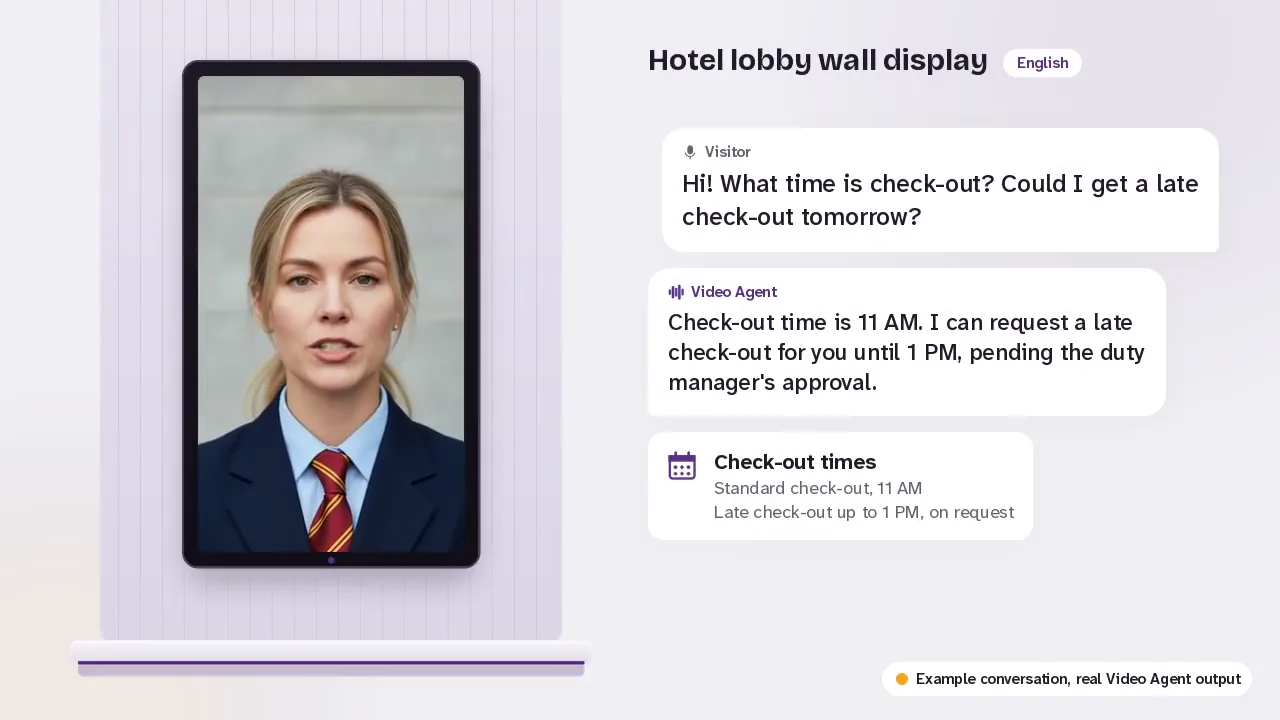
Hotels & resorts
Answers guest questions in the lobby, from breakfast timing to airport pickup, and calls the duty manager when asked.
See how it works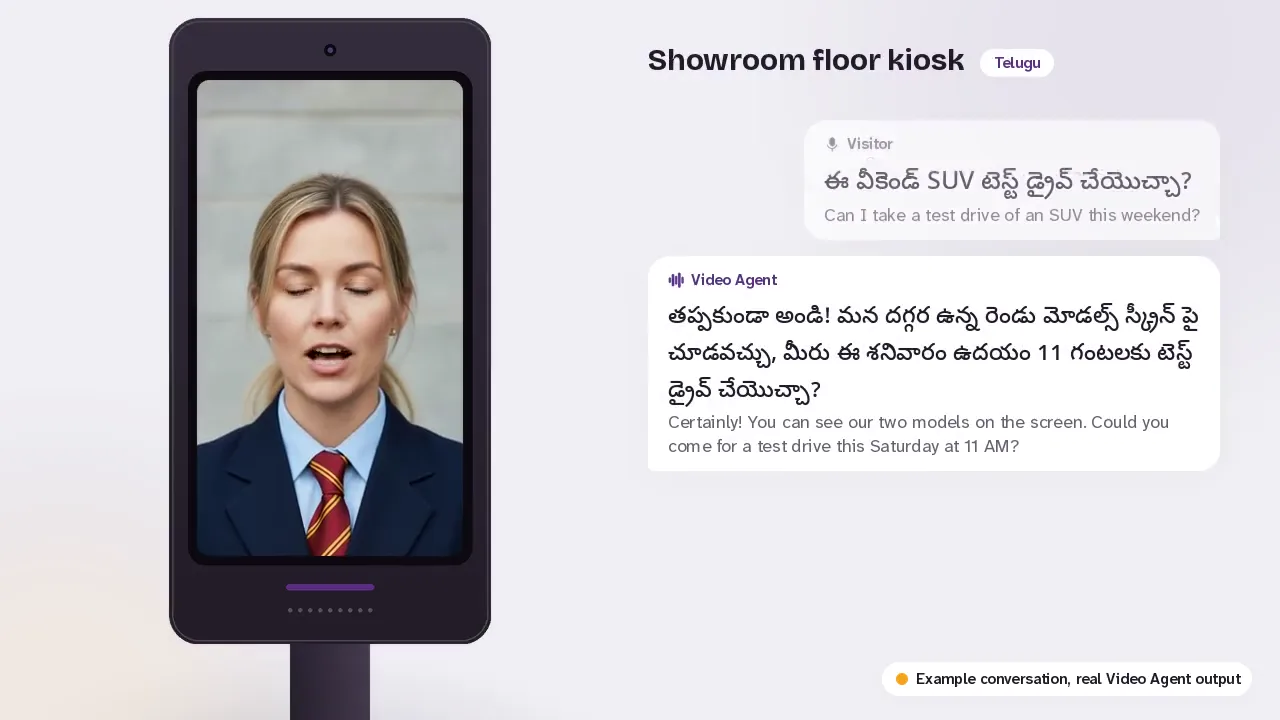
Car & bike showrooms
Shows models and variants on screen, explains on-road prices from your list and takes test drive requests.
See how it works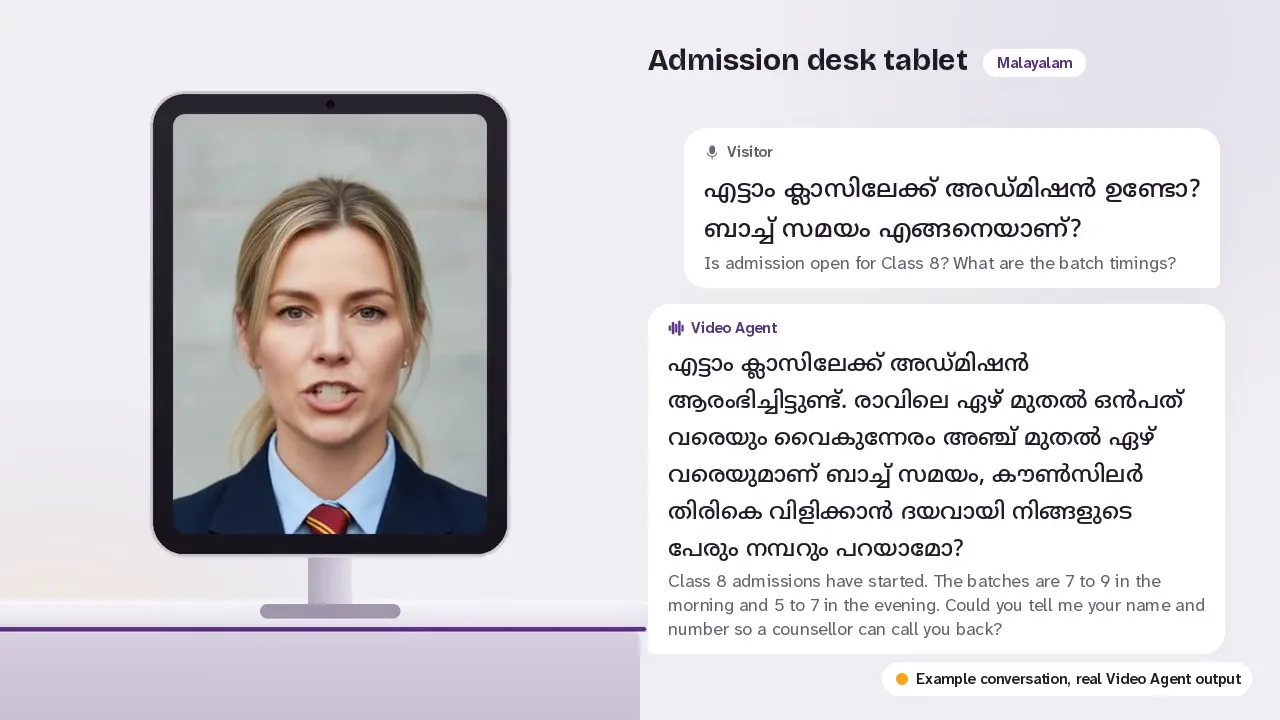
Schools, colleges & tuition centres
Answers parents' admission, fee and bus route questions from your prospectus, and takes campus visit requests.
See how it works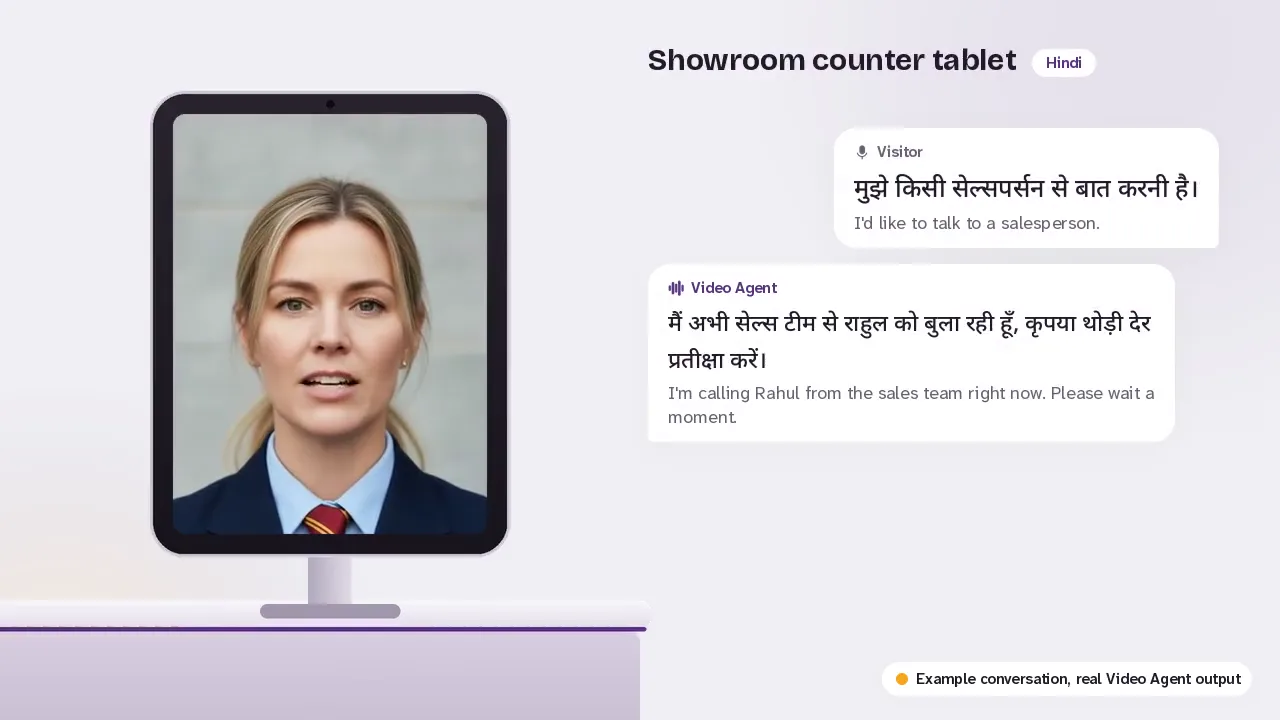
Retail stores & showrooms
Tells shoppers where each section is, shows today's offers from your list and calls a salesperson to them.
See how it works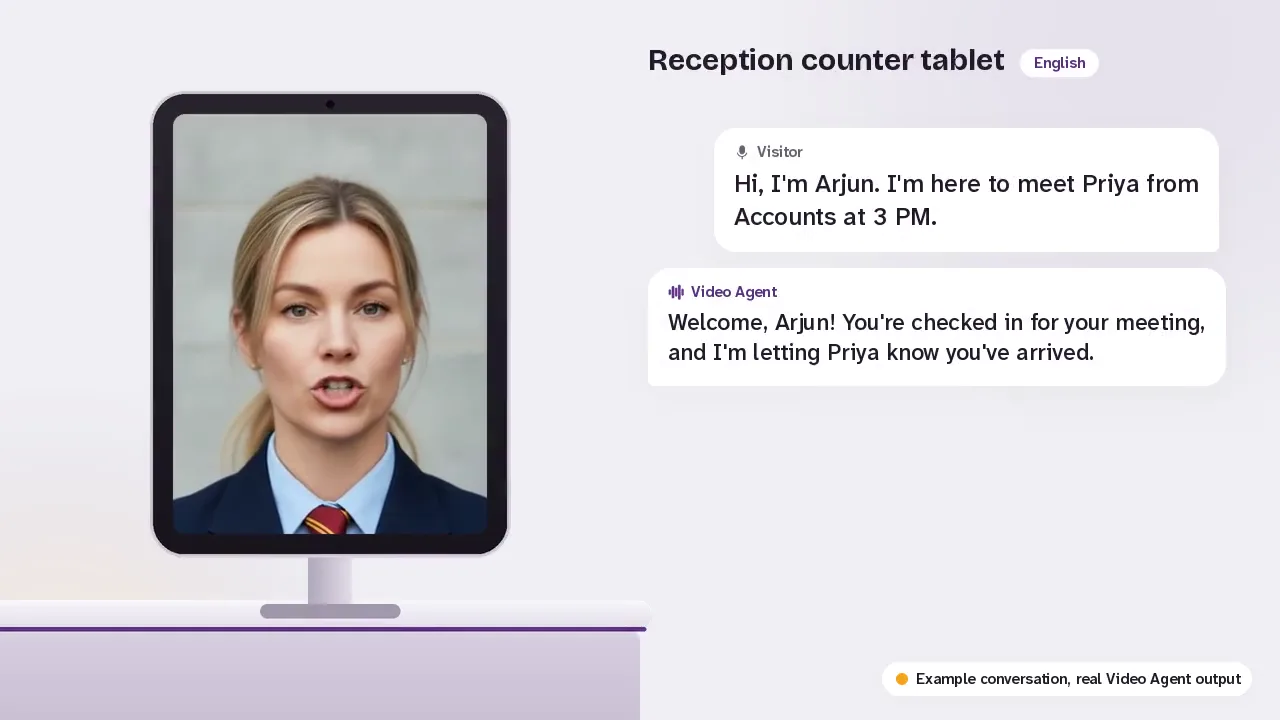
Offices & co-working
Checks visitors in, emails your team that they have arrived and handles delivery drop-offs at your reception.
See how it worksYour visitors' privacy comes first
No camera
She does not use a camera. Visitors tap the screen to talk, and no photo or video of them is taken.
Conversations stay with you
Transcripts and the details visitors share go to your dashboard only, so your team can follow up.
Visitors know they are talking to an AI
A short notice on the screen says so, and she says so if asked.
Pay for the time she talks
₹25 for each minute she is in a conversation, from a prepaid wallet. Nothing is charged while she waits for the next visitor.
- ₹25 a minute, charged in 30-second steps
- A prepaid wallet you top up in your dashboard
- 2 free minutes to try her when you sign up
- Screen: your own, bought from us, or rented
Questions people ask
What does she need to run?
A screen with a speaker and microphone, and a steady internet connection on Wi-Fi or 4G/5G.
Can I use the tablet or TV I already have?
Yes, if it is a recent Android tablet or a TV that can run a browser. We check it with you first. If it is not suitable, you can buy or rent one from us.
Which languages does she speak?
English, Hindi, Malayalam, Tamil, Telugu and more Indian languages. In the demo you can hear each greeting. She replies in whatever language the visitor speaks.
What if she does not know the answer?
She says so plainly. Then she takes the visitor's name and mobile so your team can call back, or emails your team at once if the visitor wants a person now.
Is the camera recording my visitors?
No. She does not use a camera. Visitors tap the screen to talk, and no photo or video of them is taken.
Can she have our own look or our brand mascot?
She comes with a ready-made face today. Ask us about a custom face for your brand when you book a demo.
Who sets her up?
You do, in your dashboard, in a few minutes: her face, languages, your services and the questions visitors ask. If you prefer, our team sets her up with you.
See her at your front desk
Create your account, set her up with your information and try her free for 2 minutes. Or book a demo and we will show you.
Or write to info@mexilet.com